
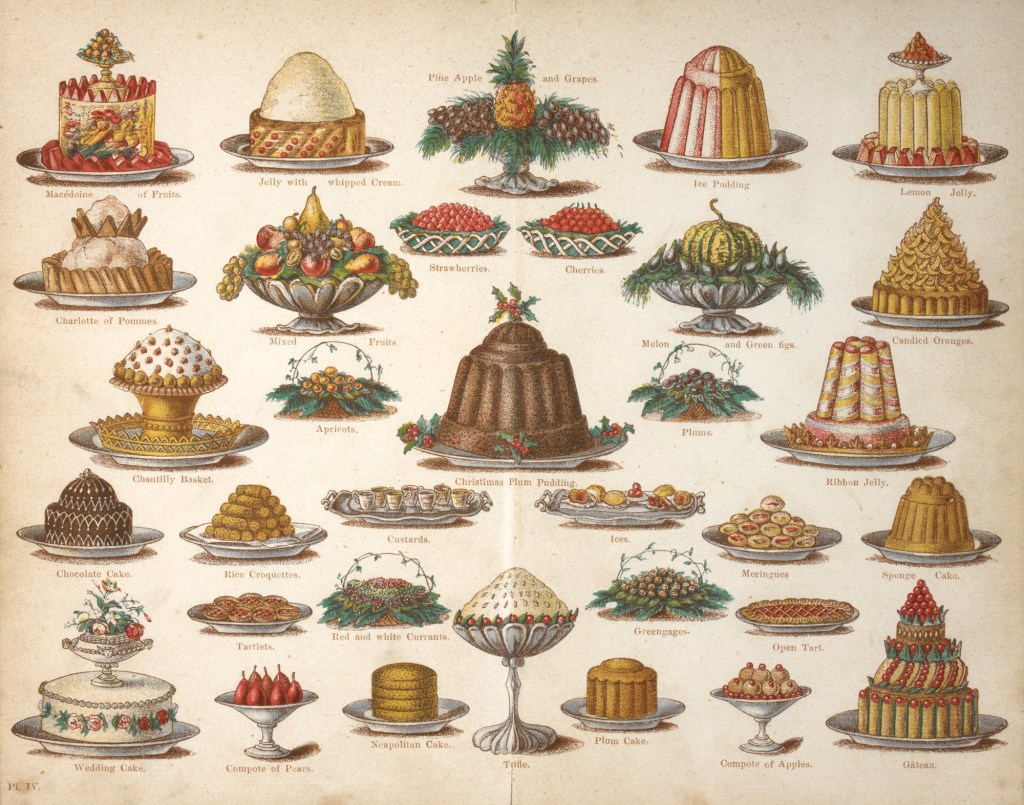
While testing out MS Sway as a platform for digital exhibitions, I wanted to explore the free TimelineJS tool offered by Knight Lab. Knight Lab are a team based at Northwestern University, making free to use open source tools to support visual communication of information. You can read more on their website.
Flipping the exhibition to the timeline format was pretty easy, provided you have access to a google drive, and your images are hosted somewhere online. TimelineJS requires you to add your descriptive data and links to the images into a spreadsheet template. You follow some simple instructions to make the document public via google drive, and paste the URL into the Knight Lab website, which will generate the URL of your timeline. With most of the content already created for Sway, it took barely any time to adapt the content for my new (still very brief) cookbook timeline.
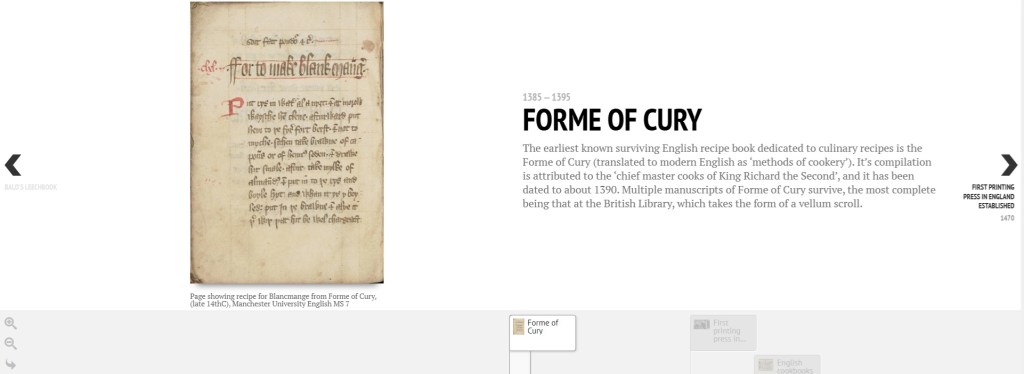
I was pretty happy with the output of this really quick to use tool. You can tweak some of the design elements (eg font and background colour or images), and embed rich media from selected platforms in an iframe. The spreadsheet allows for alt text for images, but I couldn’t find any other info on built in accessibility features (let me know if you have any information on this).
As with Sway, there are some limitations. The design and layout is quite restricted (as it’s designed specifically to convey information in a timeline format, perhaps this is less of an issue). Longer descriptive text doesn’t work so well, and you can only include one image per section/date (although you could create your own composite images), and there’s no way to expand the images to view them in detail. So brevity and selecting the right images is key.
But for a free to use, easy to learn tool, I was quite impressed and can see why so many people have opted to use it to add more visually engaging and interactive content to web content about their heritage.
 AGH Archives
Leave a comment