
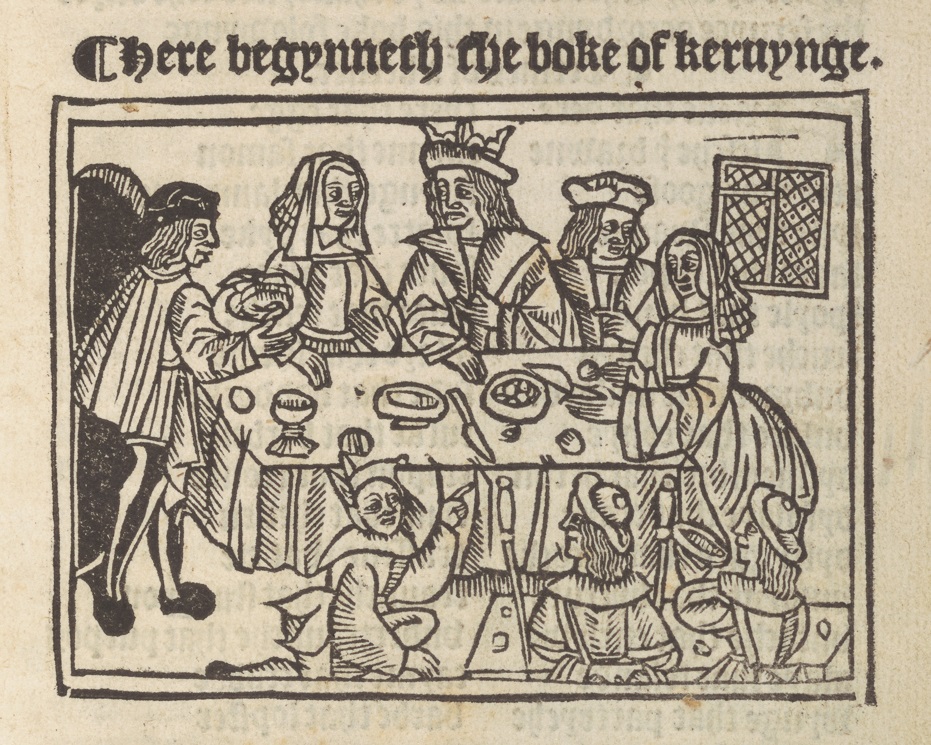

Scrolling digital exhibitions have become increasingly popular as a way to tell engaging stories online. Used by popular media and journalism, their high visual appeal makes them valuable for sharing information about archives and rare books. There are a range of different tools and platforms available, but I was interested in exploring how well suited a couple of the cheaper/free tools were to the task. I’ve a personal interest in food and cooking, so decided to do a (very) brief digital exhibition about English cookbooks through history as a case study.
In particular, I wanted to try Microsoft Sway. Sway is a Microsoft product, accessible without additional cost to those with professional 365 accounts. It interested me because of what seemed to be similar functionality to the subscription platform Shorthand.
Sways can be directly embedded into most websites and blogs but are probably best experienced when viewed as a full browser page. You can view my ‘A Taste of English Cookbooks’ exhibition.
I found Sway really easy to use, and fairly quick to produce a visually attractive exhibition. You can drag and drop content around and provided you have good quality images, because it optimizes layout for you, it’s quite hard to make it look bad. It certainly looks more swish than sharing the content in a static blog. It also allows for simple interactive features such as clicking through different images, and you can embed content from some platforms allowing you to enrich your exhibition with audio and video. It allows for alt text to be added easily to images, and offers viewers an accessibility viewing mode which displays the exhibition in high contrast and is compatible with a range of assistive technologies.
There were downsides. Very little customization is possible in terms of layout and design. The pre-built styles can be tweaked but only in limited ways. The fact that Sway automatically ‘optimizes’ content for display is helpful in some ways, but restricts how image and caption display and interact. When creating an exhibition where the caption may contain important information such as a transcription, it may prove tricky to include this content in a way that ensure’s it’s visually prominent and also clearly linked to the relevant image.
While embedding is supported, the platforms for which this is supported is limited. Multiple platforms I had hoped to embed from, including IIIF viewers, were not supported and instead I had to use static images (it’s worth mentioning that Shorthand exhibition platform does not support IIIF embeds either).
Overall, I think there’s a lot of potential for use of Sway in this way. When compared with Shorthand, it does not have anywhere near as many features, or as much flexibility over appearance and layout. But, many organisations have existing Microsoft subscriptions, meaning the tool comes with no additional cost.
I found a few other collecting/heritage organisations using Sway for digital exhibitions, though not as many as I would expect given how available it is. They included the University of Auckland and a local history society from Eaglesham.
It’s worth mentioning that there are rumours that Sway is being discontinued. An iOS app was discontinued back in 2018, and Sway has not been developed further since. It does not appear on the Microsoft 365 roadmap. So while it’s a useful tool, anyone adopting it now would perhaps be a little late to the party, and there’s a risk that if fully discontinued, existing exhibitions may be lost (though they could be exported as PDFs).


Leave a Reply